Awesome Maps for Garmin: Cheap Watches Get Premium Navigation
A Forerunner 70 at £220 can now display richer maps than a Forerunner 970 at £620. That is not a typo. Awesome Maps, a third-party Connect IQ app, closes the mapping gap between Garmin's budget and flagship lines in a way that genuinely changes how you think about which watch to buy.
What Awesome Maps Actually Does
Awesome Maps installs as a Connect IQ data field or app on compatible Garmin devices. It pulls in detailed topographic and trail map tiles that Garmin's own mapping software does not include at lower price points. The Forerunner 70, which ships with basic breadcrumb navigation at best, suddenly gets contour lines, trail labels, and points of interest. The Forerunner 970 has better hardware overall, a bigger screen, multi-band GPS, and a barometric altimeter for real-time elevation via air pressure rather than GPS estimation, but its native maps are not dramatically better than what Awesome Maps delivers on cheaper hardware.
The setup process matters here. You load maps through a desktop tool, transfer them to the watch via USB or Wi-Fi sync, and the Connect IQ app renders them on-device. It is not seamless. Coros users who recently got AllTrails integration (reviewed [here](/en/articles/coros-alltrails-integration-reviewed-functional-but-behind-garmin-2026-07-03)) will find Awesome Maps more manual. But the output quality is genuinely impressive for a free or low-cost tool sitting on a £220 watch.
Navigation Performance in the Field
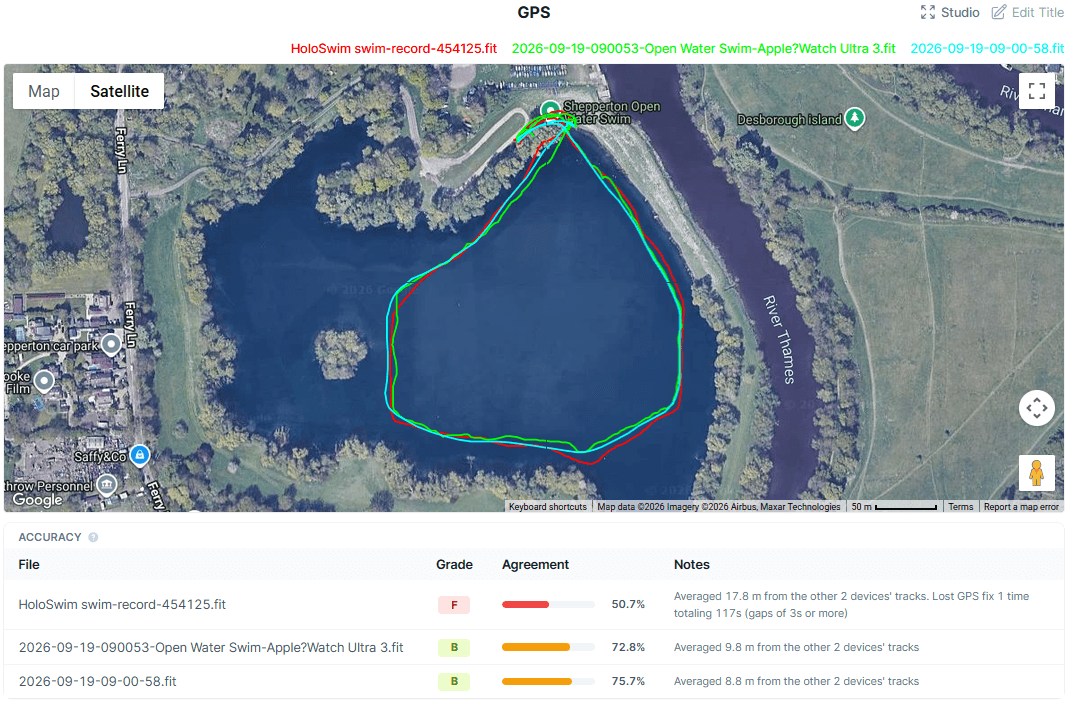
For trail runners and cyclists doing route-following rather than exploring, Awesome Maps holds up well. GPS accuracy itself depends entirely on the watch hardware, not the map layer. The Forerunner 70 uses single-band GPS, so expect 5 to 10 meter accuracy in open terrain, degrading under tree cover or in valleys. The Forerunner 970 with multi-band GNSS cuts that to roughly 2 to 4 meters in the same conditions. Better maps cannot fix satellite geometry. That distinction matters on tight switchbacks or technical singletrack where you need precise position, not just a pretty background.
For cyclists using a Wahoo head unit or Garmin Edge 840 alongside a watch, Awesome Maps on the wrist is a backup glance tool rather than a primary navigation source. It works for that. Trail runners doing 50k+ events in the Alps or Scottish Highlands, where Garmin's TopoActive maps have historically had gaps, report Awesome Maps filling those gaps usefully. The map data source you choose during setup determines coverage quality, and OpenStreetMap-based layers are strong in Europe and North America.
Hardware Context: Where the Value Equation Works
The value argument is strongest for athletes on a budget who need navigation but cannot justify the Forerunner 970, Fenix 8, or Epix Pro price points. A Forerunner 70 plus Awesome Maps costs less than half the price of a Forerunner 970 and covers the core navigation need for most recreational trail runners. You lose the sapphire lens, the multi-band GPS precision, the longer battery life (roughly 16 hours GPS on the 70 versus 31 hours on the 970), and the wrist-based optical heart rate sensor quality improvements Garmin put into the higher-end units. Chest strap users running ECG-based electrical signal HRM will not care about the wrist optical PPG differences anyway.
Compare this to the Coros Pace 3 at around £230, which also ships with basic mapping. Coros has been building out its mapping ecosystem, but as noted in our AllTrails integration review, it still trails Garmin's ecosystem depth. Awesome Maps is a Garmin-only solution, so it does not help Coros or Polar users. Apple Watch Ultra 2 has solid maps natively but burns through battery at roughly 36 hours in low-power mode, and the Connect IQ equivalent ecosystem on watchOS is thinner for sports-specific data fields.
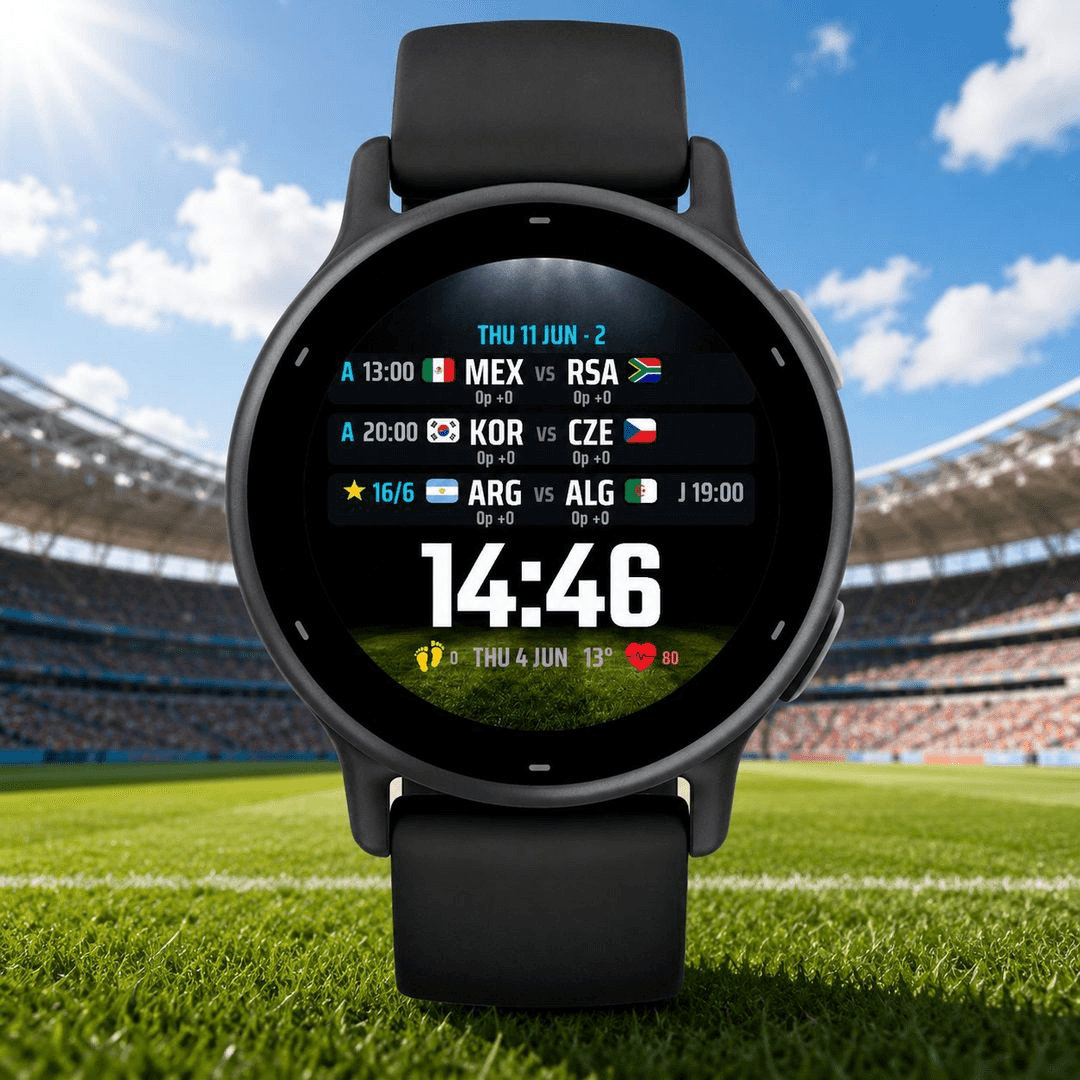
While we are on the Garmin ecosystem, the same Connect IQ platform also powers the WC2026 Live Pro watch face that puts World Cup scores on your wrist (covered separately at [/en/articles/world-cup-2026-live-scores-on-garmin-and-apple-watch-2026-06-28](/en/articles/world-cup-2026-live-scores-on-garmin-and-apple-watch-2026-06-28)). The breadth of what Connect IQ enables is a real platform advantage Garmin holds over Coros and Polar right now.
What Is Missing
Awesome Maps is not a polished product. The setup is technical enough to put off non-enthusiast users. Map rendering speed on older or lower-powered Garmin hardware can lag, with noticeable redraw delays when panning or zooming mid-run. Offline caching requires pre-planning: you must load the right regional tiles before you leave home, or you have nothing. Garmin's own Explore app and TopoActive maps sync more gracefully. There is also no turn-by-turn voice or haptic prompting comparable to what you get natively on a Fenix 8 or Enduro 3 (and likely the upcoming [Enduro 4](/en/articles/garmin-enduro-4-leaked-expected-specs-price-and-release-date-2026-07-03)). For athletes who need reliable navigation prompts during a race, not just a map to glance at, native Garmin navigation on a higher-end watch is still the cleaner choice.
Awesome Maps is for the budget-conscious trail runner or cyclist who owns a mid-range Garmin, knows their route, and wants better visual map context without spending £400 more on hardware. If you are on a Forerunner 70 or similar and you run trails regularly, install it. If you are deciding between a Forerunner 70 with Awesome Maps and a Forerunner 970 for racing and navigation-heavy ultras, the 970 still wins on GPS precision, battery, and build quality. The £400 gap is real. But for training days and casual events, Awesome Maps narrows it significantly.
Mentioned watches
Head-to-head comparisons
Buying guides